30-day tool stack audit: the template that cuts your bill
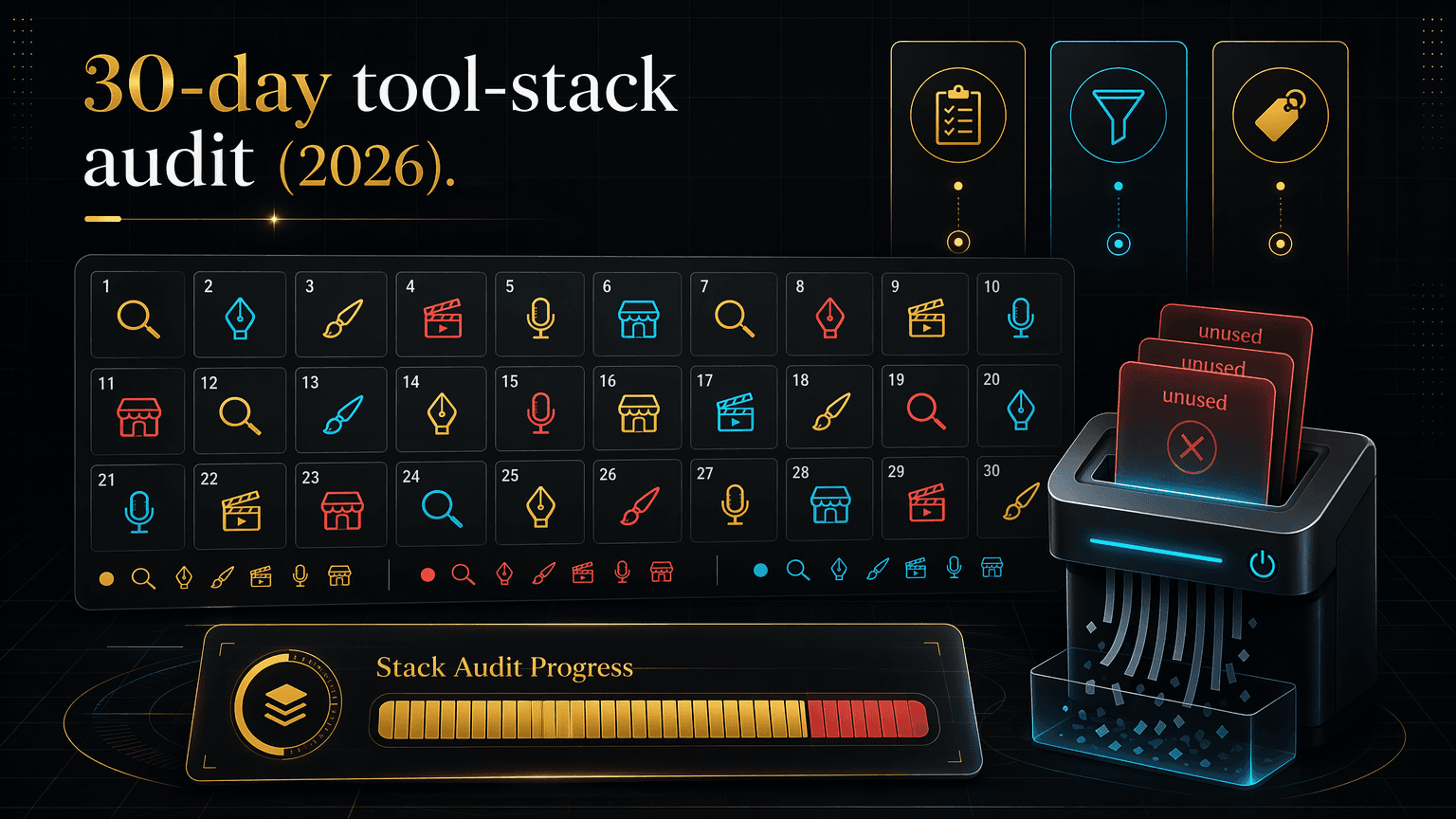
Run a 30-day usage audit on your tool stack, score every subscription keep, cut, or consolidate, and reclaim a third of the bill. Free template inside.
Most of your subscriptions are not working for you. A 30-day usage audit forces each one to prove it, and the ones that cannot go.
By Maxime Yao, research editor | Published 2026-07-17
Open your card statement. Count the tools. Twelve, Fifteen, Now answer one question for each: what did it produce this month, Not what it could do. What it did. A product you shipped. An ad you tested. A store you launched. For most of the line items, you cannot answer. That is the problem, and it renews on the first of the month whether you use the tool or not.
You bought each one for a reason. The trial felt sharp. A YouTuber swore by it. A launch needed it once. Then the reason expired and the charge did not. You are not lazy or careless. You are running a business, and nobody audits the stack because the stack never asks to be audited. It just bills you, quietly, in the background, while you tell yourself the comfortable thing.
The lie that keeps your stack fat
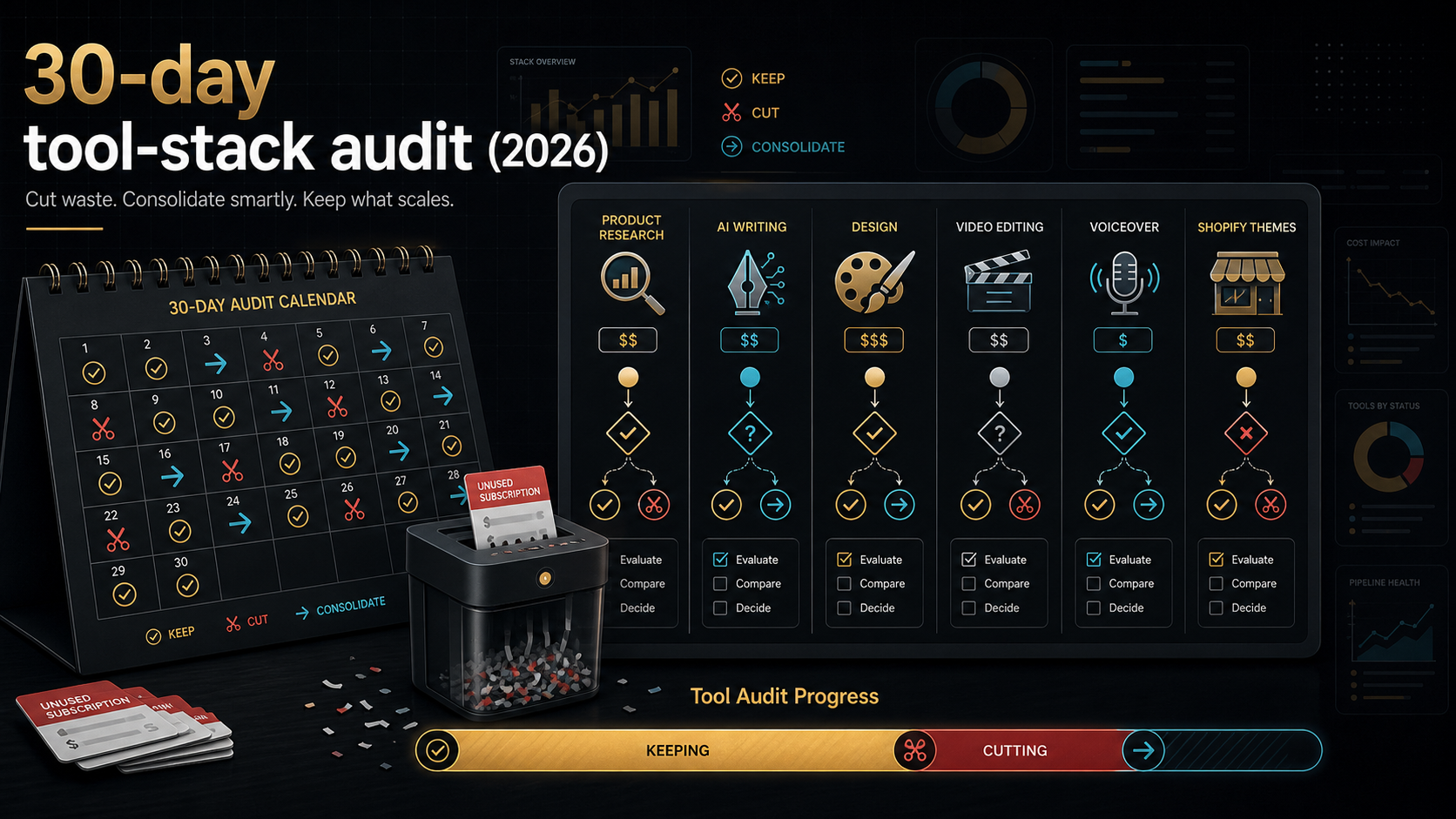
Here is the belief doing the damage: every subscription you pay for earns its keep. You think it because you remember choosing each tool on purpose. Deliberate choice feels like ongoing value. It is not the same thing. A tool you picked carefully in March can be dead weight by July, and the fact that you picked it carefully is exactly why you never look again.
The data says the gap is wide. Zylo's 2024 SaaS Management Index, built on 30 million licenses and more than 34 billion dollars in tracked spend, found that a large share of paid SaaS licenses sit unused in any given 30-day window. Zylo's own figures across recent reports land between roughly 46% and 53% unused monthly, and even conservative third-party summaries put the floor at about 30%. Those numbers describe corporate stacks, not solo operators, so treat them as directional, not a promise about your own bill. But the direction is brutal and consistent: a big slice of what you pay for goes untouched, month after month, and nobody notices because nobody counts.
The fix is not a spreadsheet of feelings. It is a 30-day usage audit that forces every tool to justify itself with evidence, then scores it keep, cut, or consolidate. Run it once and you will cut a chunk of your stack. How big, For a typical over-bought solo stack, a third is a safe, conservative target, and many audits find more. That is the one number worth chasing.
- The lie: every subscription you pay for earns its keep.
- The fix: a 30-day usage audit that ties each tool to a real workflow outcome, then scores it keep, cut, or consolidate.
- The number: plan to cut roughly a third of a typical over-bought stack, sometimes more (industry SaaS audits find 30% to over 50% of licenses unused in a 30-day window, per Zylo's 2024 SaaS Management Index; treat as directional).
- The template: a six-column table you copy and fill, below. Log the tool, tag last-used, name the workflow, name the outcome, score it.
- The consolidation move: fold overlapping keepers into one bundle line, but never a mission-critical tool you cannot afford to share access on.
Who this is for, and who should close the tab
This is you if you run a lean ecommerce operation, a dropshipping store, a TikTok Shop, a small agency, or a freelance stack, and your monthly software bill has crept past what you can explain line by line. It is for the operator who feels the leak but has never sat down and counted it.
Close this tab if your stack is three tools you use daily and can each name the output of. You do not have a leak. Auditing a tight stack is procrastination with a clipboard. Come back when the bill grows.
The 30-day audit method
The whole method rests on one rule: a tool does not earn its fee by existing, by being open in a tab, or by being one you might need. It earns its fee by producing a specific outcome inside a specific workflow inside the audit window. No outcome, no keep. Here is the loop.
- Log every tool. Every paid subscription touching the business. Card statement, PayPal, app-store receipts, the annual plans you forgot renew in Q4. If it bills you, it goes on the list. Miss nothing, because the tools you forget are exactly the ones bleeding you.
- Tag the last-used date. Open each tool. Find the last real session, the last export, the last thing you actually made. Write the date. Not "I use it sometimes." The date. If you cannot find one inside 30 days, the tool has already told you its score.
- Tie each tool to a workflow outcome. Name the workflow it serves (product research, ad creative, video editing, analytics) and the concrete thing it produced this month. "Found 3 winning products I tested." "Cut 8 TikTok videos I posted." If the honest answer is "nothing shipped," write nothing. Nothing is the most useful entry in the table.
- Score keep, cut, or consolidate. Keep: used inside 30 days, tied to a real outcome, no cheaper path to the same result. Cut: no recent use, no outcome, or a free tool does the job. Consolidate: you use it, but a bundle you already pay for (or could) covers it, so the standalone line is redundant.
Thirty days is the window on purpose. Long enough to capture a real work cycle, including the tools you touch only at launch or month-end. Short enough that "I used it once last spring" cannot save a line item. If a tool cannot earn a mark inside a full month of your actual work, it is not earning 12 of them a year.
The audit table template (copy this)
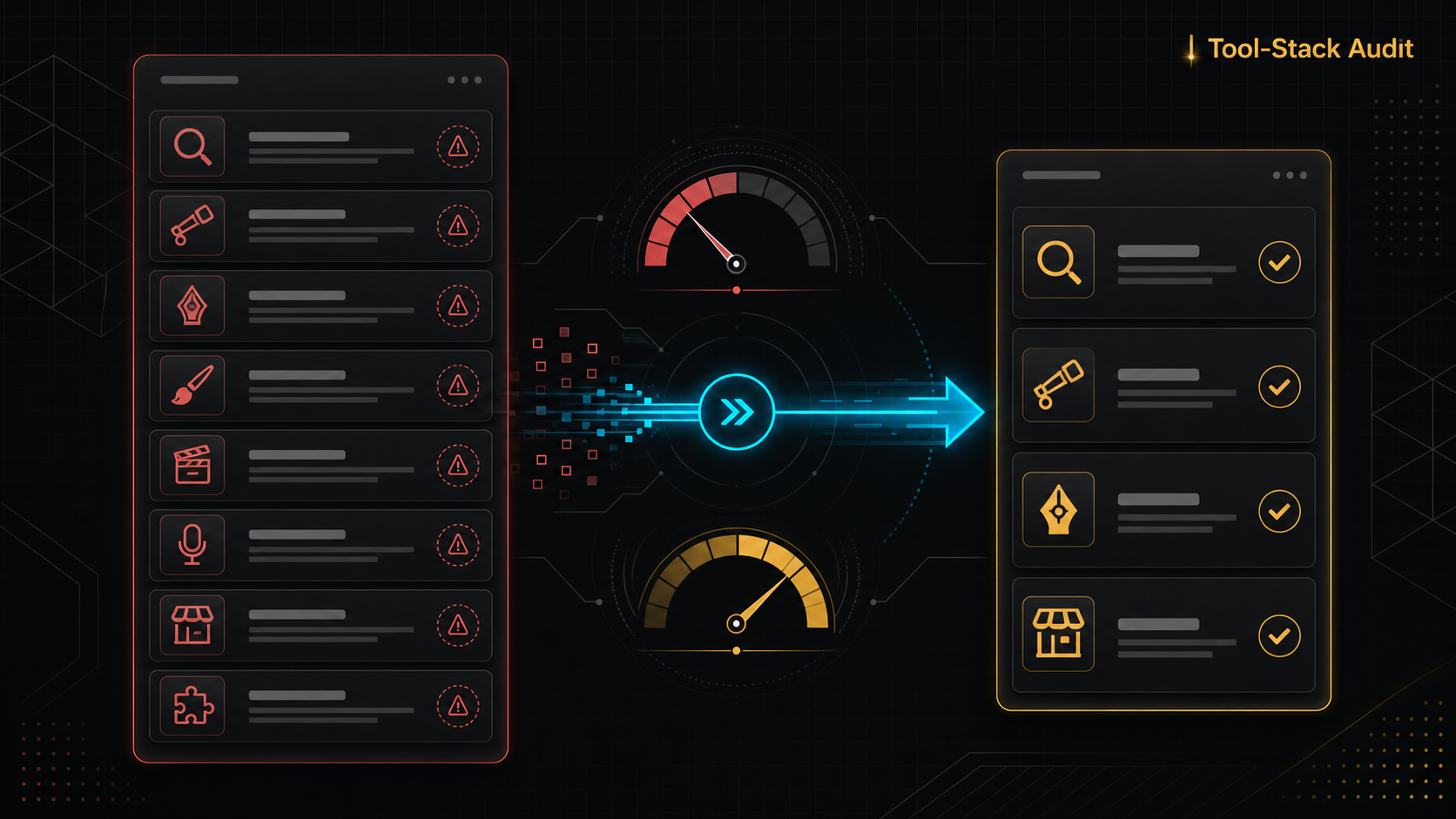
Six columns. That is the whole system. Paste it into a sheet, or a note, or the back of a receipt. The structure does the thinking, so you do not have to argue with yourself.
| Tool | Monthly cost | Last used (date) | Workflow it serves | Outcome it produced this month | Score |
|---|---|---|---|---|---|
| [name] | [$/mo] | [YYYY-MM-DD] | [e.g. ad research] | [the shipped thing, or "nothing"] | Keep / Cut / Consolidate |
The two columns that do the work are last-used and outcome. Cost tells you the size of the leak. Last-used and outcome tell you whether it is a leak. A 77-dollar tool you used yesterday to find a winning product is not a leak. A 15-dollar tool you have not opened since April is, and the 15 dollars renews just as reliably as the 77.
One discipline: fill the outcome column with a noun you can point at. "Improved my workflow" is a feeling, not an outcome. "3 product pages built, 2 live" is an outcome. Feelings keep tools alive that should die. Nouns kill them.
A worked audit: one dropshipper's stack
Here is the method run on an illustrative solo dropshipping stack. Every price below is illustrative, based on published retail prices at the time of writing, and you should verify current pricing before you copy the totals. The point is the scoring, not the exact dollars.
| Tool | Monthly cost | Last used | Workflow | Outcome this month | Score |
|---|---|---|---|---|---|
| Ad spy tool (e.g. PipiAds, starter tier) | ~$77 | 2026-07-16 | Ad research | Found 3 trending products, tested 2 | Keep |
| ChatGPT Plus | $20 | 2026-07-17 | Copy and ideation | Wrote 14 product descriptions | Keep |
| Canva Pro | ~$13 to $18 | 2026-07-15 | Design and creatives | 9 ad creatives, 4 posted | Keep |
| Video editor (e.g. CapCut Pro) | ~$10 | 2026-07-14 | Video ads | 6 TikToks cut and posted | Keep |
| AI voice tool (e.g. ElevenLabs, Creator) | ~$22 | 2026-06-02 | Voiceover | Nothing shipped this month | Cut or Consolidate |
| Second analytics tool (bought in a trial) | ~$29 | 2026-04 | Analytics (duplicate) | Nothing, overlaps main tool | Cut |
| Premium theme subscription | ~$15 | 2026-03 | Store design | Nothing, launch is done | Cut |
| Keyword or research add-on | ~$25 | 2026-05 | Product research | Nothing, replaced by ad spy tool | Cut |
Add the illustrative stack: roughly 211 to 216 dollars a month. Now read the scores. Four keepers, tied to shipped outcomes. Four that produced nothing inside the window: one duplicate analytics tool, one theme sub that finished its job at launch, one research add-on the ad spy tool made redundant, one voice tool that has not run since early June.
Cut those four and you drop about 94 dollars a month, plus the voice tool if you cannot tie it to output soon. That is roughly 44% of this stack gone, above the one-third target, and the operator loses nothing they actually used. This is why the audit works: it does not ask you to be disciplined. It shows you which lines already failed, in your own handwriting.
The consolidate score: many line items, one bill
Cut is the easy half. Consolidate is where the real money hides. Look again at the four keepers in the example. Ad spy, ChatGPT, Canva, a video editor. Four vendors, four cards charged, four renewal dates, four passwords. Each earns its keep on outcome. But four separate bills for four tools that a single bundle already covers is its own kind of waste, just harder to see than a dead subscription.
This is the case for a group-buy bundle. Ecom Tools is one Whop subscription that grants Discord-delivered shared access to a set of paid tools, PipiAds, ShopHunter, Canva Pro, ChatGPT Plus, Claude Pro, CapCut Pro, ElevenLabs, KaloData, and 140-plus Shopify themes, for a flat 29.99 dollars a month on the Pro plan (499 dollars one-time on Lifetime). The operator's own Whop description lists 16-plus tools. For an audited stack whose keepers overlap that catalogue, the consolidate move collapses several line items into one, and the one line is smaller than any two of the tools it replaces at retail.
Run the comparison honestly. In the worked example, the four keepers alone total roughly 120 to 125 dollars a month at illustrative retail. The bundle line is 29.99. If your keepers live inside the bundle's catalogue, consolidation is not a discount, it is a category change: you stop paying per vendor and start paying per stack. For the full arithmetic, and the honest cases where it does not pay off, see how to calculate your real SaaS savings on a tool bundle and the line-by-line breakdown in Ecom Tools versus buying the tools separately.
Two things earn belief here, not just my say-so. Ecom Tools shows 7,887 joined on Whop, a 4.8-star rating from 182 verified reviews, and a 92% five-star share. And the reviews name the thing that matters for a shared-access product, support:
"The variety of tools available here on ecom-tools is unbelievable & no other tool provider is giving such fine services & customer support" - Zain Khan (@zain60912), from Whop reviews
"Great selection of tools and fastest support I have ever seen" - Somira (@somiraa), from Whop reviews
Treat those as evidence, not a guarantee. They are real reviews on the live Whop listing, and they point at speed and support, which is exactly what a group-buy lives or dies on.
The honest reverse: when NOT to consolidate
Here is the caveat that makes the rest of this trustworthy. Consolidation into a bundle has a real cost, and for some tools that cost is a dealbreaker.
A bundle like this is shared-credential access. You are not buying your own vendor account. You are getting access to tools the operator provisions, delivered through Discord. That model is what makes 29.99 a month possible. It is also a dependency: your access to those tools runs through a third party's accounts and a third party's uptime.
Do not consolidate a mission-critical tool into shared access. If a single tool is load-bearing for your revenue, the one your store cannot run a day without, the one holding client data, the one an outage would cost you real money on, keep it on your own account. Pay the retail price and own the login. The savings from consolidating a mission-critical tool are not worth the day it is unavailable when you need it at 2am before a launch. For the deeper version of this trade-off, read the group-buy tool licensing and account-risk guide.
The rule is clean: consolidate the tools where shared access is a convenience, keep your own account on the tools where access is survival. The audit's consolidate column should carry an asterisk for anything mission-critical. Most of your stack is not mission-critical. Be honest about the few tools that are.
Where this audit goes wrong
Three failure modes, so you avoid them.
- The "I might need it" save. Every dead tool has a story about a future where you use it. The audit scores the past 30 days, not the imagined future. If you genuinely need it later, resubscribing takes two minutes. Paying to hold a maybe for a year does not.
- Scoring on features, not outcomes. A tool with 40 features you do not use is a tool you do not use. The outcome column is the whole point. Keep the discipline: a noun you shipped, or a cut.
- Consolidating the wrong thing. Covered above, and worth repeating. A bundle is the right home for your convenience tools and the wrong home for your one irreplaceable tool. Do not let a good savings number talk you past that line.
The verdict
Run the audit this month, whatever else you do. It costs an hour and pays for itself the moment you cut the first dead line. Here is the call, both ways.
| Do the full audit and consolidate if | Just cut and stop if |
|---|---|
| Your bill has 8-plus tools and a fuzzy total | You run 3 tight tools you use daily |
| Your keepers overlap a bundle catalogue | Your keepers are niche, with no bundle covering them |
| Shared access is fine for most of your stack | Every tool you keep is mission-critical to revenue |
| You want one bill instead of six renewal dates | You already own accounts you cannot risk sharing |
If your audit turns up four or five keepers that live inside a bundle's catalogue, testing a consolidation is the obvious next step. Start on the Pro plan to check the fit against your own scored keepers, then decide. Confirm the current paid-plan details at checkout, and review Whop's current refund policy at checkout before you commit. Start on the Ecom Tools Pro plan and test it against your audit.
FAQ
How long should a tool stack audit take?
The logging and scoring take about an hour once you have your statements open. The 30-day window is the observation period, not work you sit through. Log everything now, tag last-used dates and outcomes over the coming weeks as you work, then score at day 30. The one honest hour is the collection and the final scoring.
What percentage of my stack will I actually cut?
Plan for roughly a third of a typical over-bought stack, and do not be surprised by more. Industry SaaS audits find 30% to over 50% of licenses unused in any 30-day window, per Zylo's 2024 SaaS Management Index. Those figures come from corporate stacks, so treat them as directional for a solo operator, not a guarantee. Your real number is whatever your outcome column says.
Is a group-buy bundle the same as owning the tools?
No, and this matters. A group-buy like Ecom Tools is shared-credential access delivered through Discord, one subscription granting access to tools the operator provisions. It is not your own vendor account. That is what makes the flat price possible, and it is also a dependency on a third party's accounts and uptime. Consolidate convenience tools into it. Keep your own account on anything mission-critical.
What if I cut a tool and need it again?
Resubscribe. It takes minutes, and most vendors keep your history. The cost of resubscribing to a tool you turned out to need is trivial next to the cost of holding a dozen maybes for a year. The audit is not permanent exile, it is a reset to a stack you can justify.
How is this different from just canceling stuff I don't use?
Canceling on a hunch misses the tools you forgot you pay for and keeps the ones you feel attached to. The audit replaces the hunch with two facts per tool: when you last used it, and what it produced. It also adds the consolidate score, which cancellation alone never surfaces, the tools you do use but are paying for four times over. The template turns a vague spring-clean into a decision you can defend line by line.
The filter is simple: if you cannot name what a tool produced in the last 30 days, it does not survive the audit. Score your stack, cut the dead lines, consolidate the overlap into one bill where shared access is safe, and keep your own account on the one or two tools you cannot afford to lose. If your keepers live inside the catalogue, start on the Ecom Tools Pro plan and test the consolidation against your own numbers.