What's included in Ecom Tools 2026: the real tool list
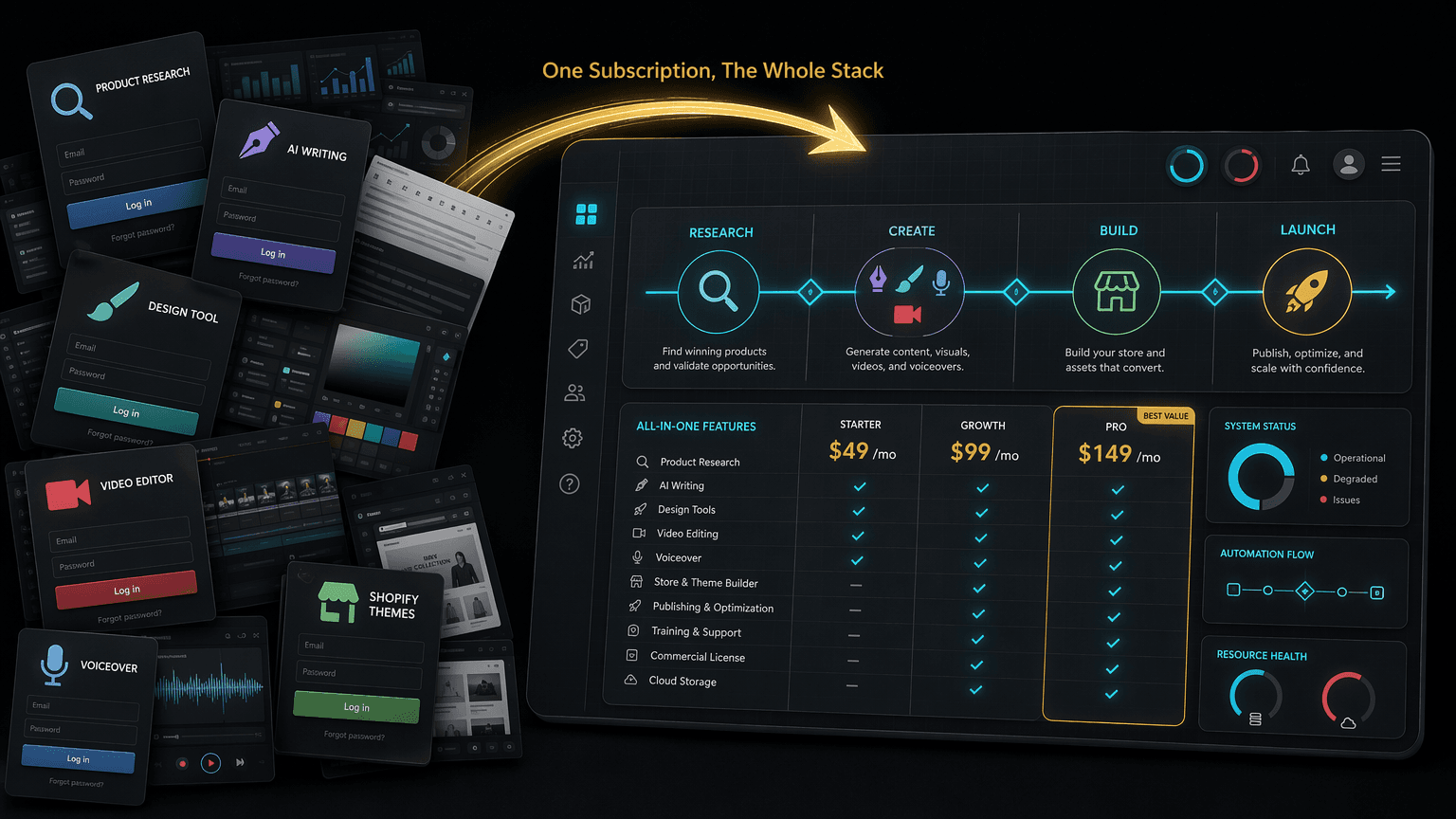
What's included in Ecom Tools: 16+ paid tools mapped to a real dropshipping workflow, honest retail prices, and the shared-access caveat, for $29.99 a month.
Sixteen-plus paid ecommerce tools, one $29.99 subscription. Here is exactly what is inside, what each one does, and the catch nobody advertises.
By Maxime Yao, research editor | Published 2026-07-17
Type "what's included in Ecom Tools" into any search bar and you get a wall of logos and a vague promise: dozens of premium tools, one low price. Logos are not an answer. A logo tells you a brand exists. It does not tell you what the tool does, when in your week you would open it, or whether you would ever touch it at all.
So here is the answer with the marketing scraped off. Ecom Tools is a group-buy bundle sold on Whop. One subscription, $29.99 a month, and the operator's own listing counts 16+ tools inside: PipiAds, ShopHunter, KaloData, Canva Pro, CapCut Pro, ElevenLabs, ChatGPT Plus, Claude Pro, and 140+ Shopify themes, among others. That is real. What follows is every named tool, its job, its honest retail price, and who should ignore it.
- The one number: 16+ tools inside one $29.99/month subscription (operator's own Whop count). Not 25, not 40. Sixteen-plus, verified.
- The catch: it is shared group-buy access delivered through Discord, not your own vendor accounts in your own name.
- The map: every tool lands on a stage of the same workflow, research, validate, build, create, launch, analyze. Nothing here is random.
- Proof: 7,887 joined on Whop, 4.8 stars from 182 verified reviews, 92% five-star.
- Buyer math: the named tools bought separately at entry tiers run past $240 a month (illustrative, based on published retail prices; verify current pricing).
The lie: a bundle is just a random pile of logins
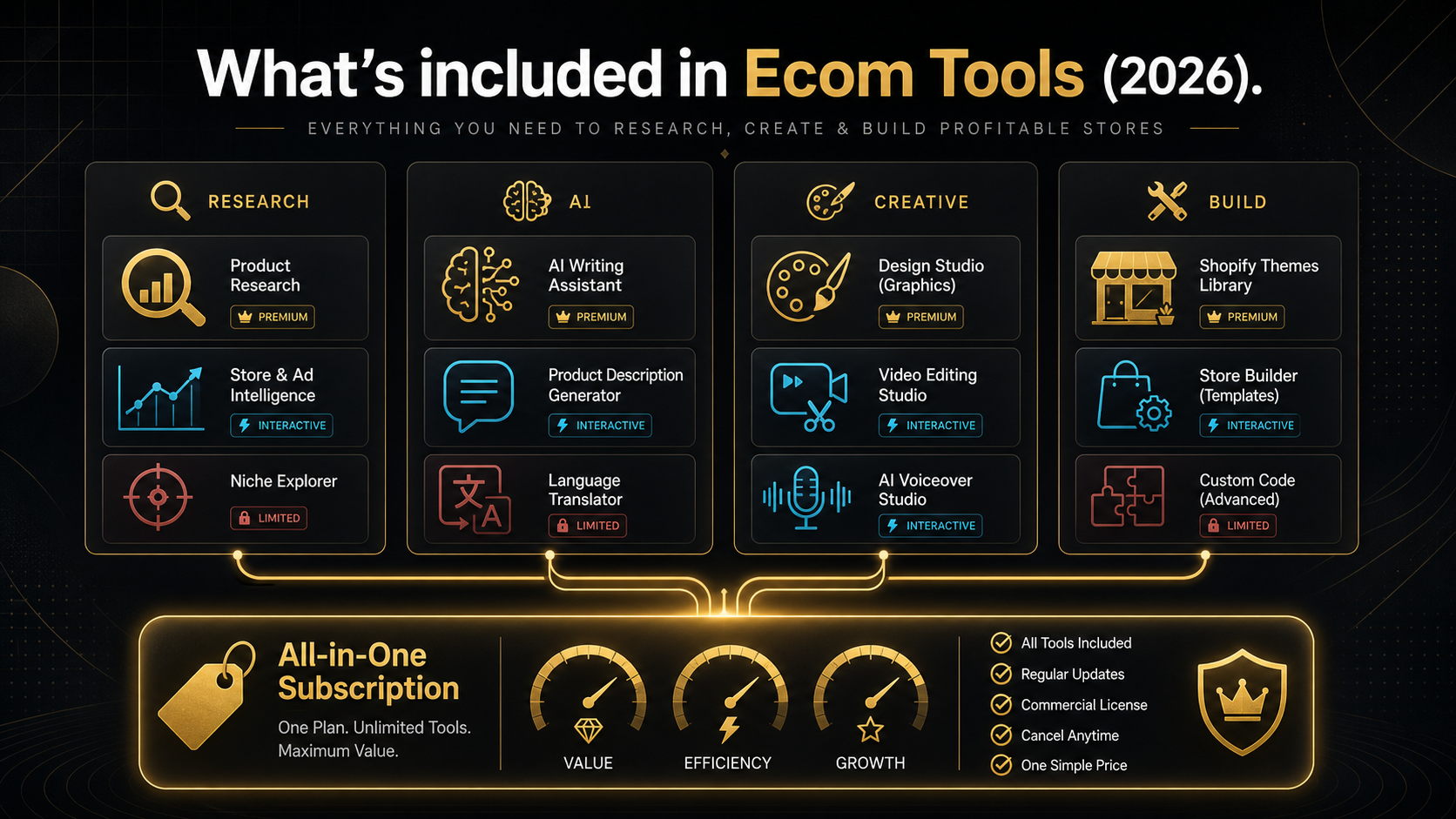
The reason most tool bundles feel sketchy is that they present like a pile of logins. Twenty brand names in a grid, a total "value" number that nobody can reconstruct, and zero explanation of how the pieces fit. You are left to assume it is a junk drawer: some ad tool, some AI thing, a design app, all thrown together to pad a count and justify a price.
That assumption is expensive. It stops you buying something useful, or worse, it makes you buy on the logo count and then never open eleven of the sixteen tools because you never understood what they were for. Either way you lose. The junk-drawer frame wastes the tool and wastes the money.
Here is the truth the frame hides. These are not sixteen unrelated apps. They are the exact stations of one assembly line: the line that takes a product idea and turns it into a live store with ads running against it. Ad spy tools sit at the front, at research. Revenue trackers sit at validate. Themes sit at build. Design and video and voice tools sit at create. The AI models sit across the whole thing. Sorted by job, the "random pile" becomes a workflow. That is the fix.
The fix: map every tool to a workflow stage
An ecommerce operator does the same six things in the same order, every product, every week. Research a demand signal. Validate that real money is moving. Build a store to sell into it. Create the ads and pages. Launch. Analyze what happened and feed it back. Six stages. Every tool in the bundle plugs into one of them.
Read this table as a map, not a menu. It is the single most useful thing on this page.
| Stage | Job at this stage | Tool that does it |
|---|---|---|
| 1. Research | Find winning ads and rising products before the crowd | PipiAds, KaloData |
| 2. Validate | Prove a competitor is actually selling, not just posting | ShopHunter |
| 3. Build | Stand up a storefront that looks trustworthy on day one | 140+ Shopify themes |
| 4. Create | Produce the images, videos, voiceovers, and copy that sell | Canva Pro, CapCut Pro, ElevenLabs, ChatGPT Plus, Claude Pro |
| 5. Launch | Ship the creatives you built and put spend behind them | The assets from stages 3 and 4, live |
| 6. Analyze | Track competitors and trends, then decide the next test | ShopHunter, KaloData, ChatGPT Plus, Claude Pro |
Notice two things. First, several tools work more than one stage. ShopHunter validates a product before you commit and then monitors it after you launch. The AI models draft copy at create and read your numbers at analyze. Second, there is no dead weight. Every logo maps to a task you were going to do anyway. That is the difference between a bundle and a pile.
Research: PipiAds, KaloData
PipiAds is a TikTok and Facebook ad spy tool. It indexes the ads other sellers are running, the products behind them, and the stores they point to, so you can find a proven creative angle instead of guessing one. Standalone, PipiAds starts at $49 a month for its Basic plan and climbs to $99 for Advanced, per the current PiPiADS pricing pages. Who it is for: anyone running paid traffic who wants to reverse-engineer what already converts. Who should skip it: a brand-new seller with no ad budget yet, because ad intelligence you cannot act on is just entertainment. For the deeper question of what ad-spy data actually proves, see what ad spy data really proves.
KaloData is a TikTok Shop analytics platform. It surfaces top shops, top creators, and rising products with sales estimates, which is the native-demand signal for the fastest-moving channel in ecommerce right now. Standalone, KaloData's Starter plan runs about $45.90 a month, with Professional near $99, per Kalodata's 2026 pricing. One honesty flag the vendor states openly: KaloData estimates from scraped data, so treat the numbers as directional, not gospel. Who it is for: TikTok Shop sellers and anyone chasing short-video demand. Who should skip it: a pure Google Shopping or Amazon operator who never touches TikTok.
Validate: ShopHunter
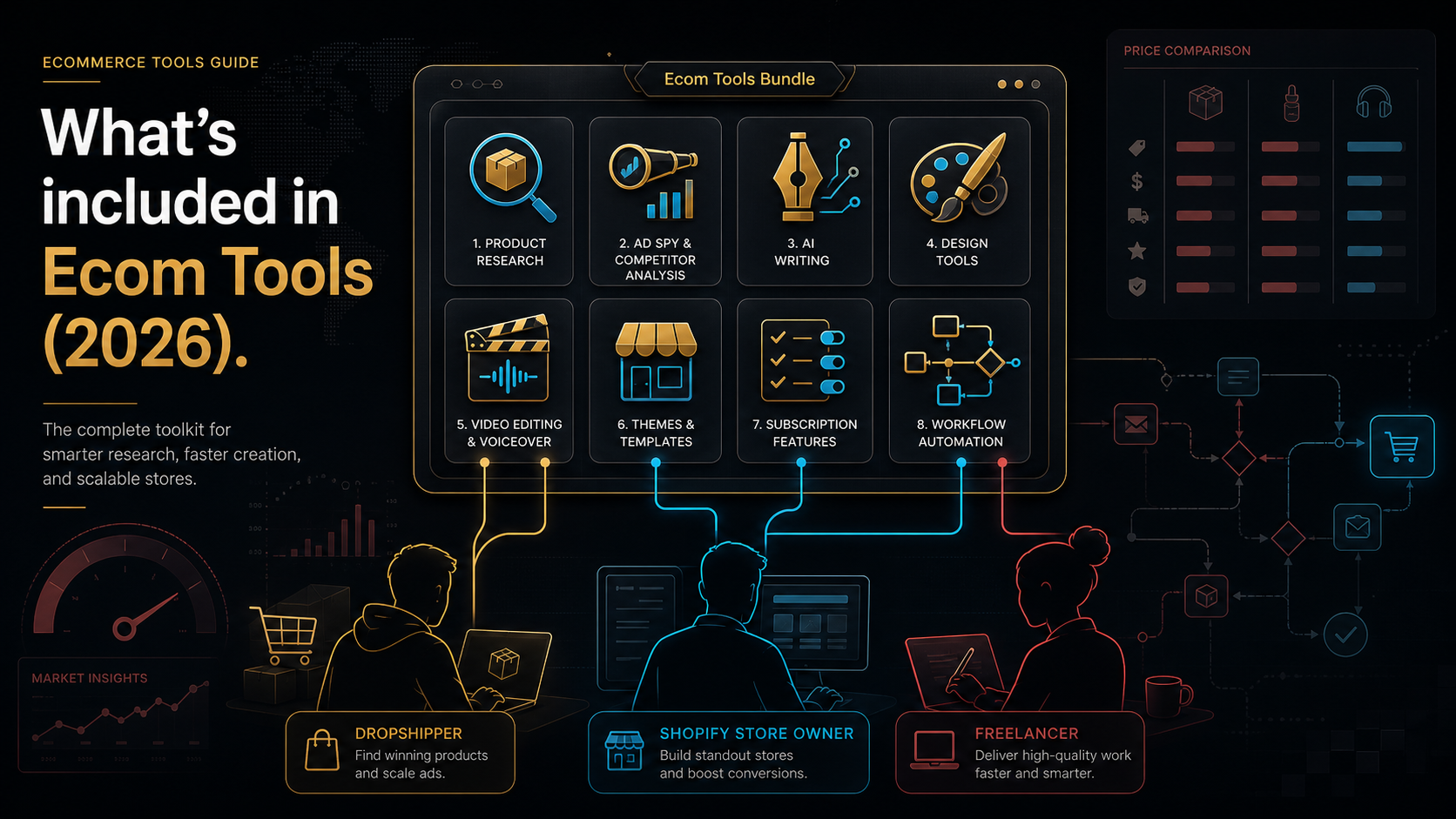
ShopHunter is a Shopify sales tracker, and it is the tool that separates a real trend from a loud one. It works by watching inventory levels across thousands of Shopify stores. When stock drops, it logs a sale, and it aggregates that into daily revenue and best-seller data for stores you do not own. Where PipiAds shows you the ad, ShopHunter shows you whether the ad is making money. Standalone, ShopHunter starts at $50 a month for its Basic tier and scales to $250 and beyond, per its current pricing pages. Who it is for: the operator who has been burned buying a product because it "looked viral" and then watched it die. Who should skip it: someone still at the pure-idea stage with no shortlist to check. Validation is a discipline, and there is a full method in the product validation checklist.
Build: 140+ Shopify themes
The bundle includes access to 140+ Shopify themes. A store that looks like a template built in ten minutes converts like one. Premium themes are the cheapest trust you can buy: clean layout, mobile speed, a product page that does the selling. Bought individually, premium Shopify themes typically run a one-time fee in the low hundreds of dollars each on the Shopify Theme Store, so a library of 140+ is a genuine line item, not a rounding error. Who it is for: every store owner at build stage, especially the one launching store number two or three. Who should skip it: nobody at this stage, though themes are one-time by nature, so you use this early and rarely.
Create: Canva Pro, CapCut Pro, ElevenLabs, ChatGPT Plus, Claude Pro
This is the densest stage, because creative is where dropshipping is won or lost in 2026. Five tools, one job: turn a validated product into assets that sell.
Canva Pro is the design workhorse: product images, ad statics, story graphics, brand kits, background removal. List price is around $15 a month for the Pro plan, though Canva varies pricing by region and runs frequent promotions, so published figures range roughly $13 to $18. Who it is for: everyone who needs a designer's output without a designer. Who should skip it: a seller who already lives in Photoshop.
CapCut Pro is the video editor behind most TikTok and Reels ads: fast cuts, captions, templates, 4K export. After its 2026 restructure, Pro sits around $19.99 a month on the web checkout, per CapCut's current Standard-versus-Pro guide, and higher inside the mobile apps because of app-store fees. Who it is for: anyone making short-video creative, which in 2026 is nearly everyone. Who should skip it: a static-image-only advertiser.
ElevenLabs generates voiceover: lifelike text-to-speech and voice cloning for your video ads and UGC-style content. The Creator plan, the first tier with professional voice cloning, runs about $22 a month per ElevenLabs' 2026 pricing. Who it is for: the faceless-brand operator who needs a voice without hiring one. Who should skip it: a creator who films their own face and narrates live.
ChatGPT Plus and Claude Pro are the two AI writing and reasoning models, and having both is not redundant. ChatGPT Plus, $20 a month, is the fast all-rounder for ad hooks, product descriptions, and quick research. Claude Pro, also $20 a month, handles long-context work well: feeding it a wall of reviews or a full analytics export and asking what to do next. Who they are for: anyone drafting copy or making sense of data, which is the whole workflow. Who should skip them: a seller who already pays for one and only needs the other. For how these creative tools chain together, read the AI creative workflow for ecommerce ads.
The number: what this actually saves you
Now the arithmetic, because "lots of value" is not a number. Here is the DIY stack: the same named tools, bought separately, at the entry tier a solo operator would realistically pick.
| Tool | Stage | Standalone price (entry tier) |
|---|---|---|
| PipiAds | Research | $49/mo (Basic) |
| KaloData | Research | $45.90/mo (Starter) |
| ShopHunter | Validate | $50/mo (Basic) |
| Canva Pro | Create | ~$15/mo |
| CapCut Pro | Create | ~$19.99/mo (web) |
| ElevenLabs | Create | $22/mo (Creator) |
| ChatGPT Plus | Create/Analyze | $20/mo |
| Claude Pro | Create/Analyze | $20/mo |
| Subtotal | ~$241.89/mo |
That subtotal is illustrative, based on published retail prices; verify current pricing before you rely on it. It also excludes the 140+ Shopify themes, which are one-time purchases in the low hundreds each, so the true separate-purchase gap is wider, not narrower. Eight named tools alone clear $240 a month. The bundle is $29.99.
The gap is the pitch, and it is a real one. But a gap is not a guarantee, so read it straight. You are paying roughly one-eighth of the standalone retail total. What you are giving up to get that price is the subject of the entire next section. If you want the full side-by-side, the Ecom Tools versus buying tools separately breakdown runs the numbers in detail, and the real SaaS savings calculator guide shows how to compute it for your own stack.
The catch: shared access, not your own accounts
This is the part the logo grid never shows you, and it is the honest core of the whole review. Ecom Tools is a group-buy. You are not buying eight subscriptions in your name. You are buying shared access to accounts the operator maintains, delivered to you through a members-only Discord. Say it plainly, because the buyer who does not understand this ends up angry, and the buyer who does understand it decides clearly.
- Shared credentials, not your logins. The accounts are not yours. You do not own the vendor relationship, you cannot reset a password, and your saved history, boards, and projects live inside a shared environment, not a private account under your email.
- Licensing and terms-of-service risk. Group-buy access sits in a grey zone with the original vendors. Some tolerate it, some do not, and access to any single tool can change or pause if a vendor cracks down. Understand this before you build a business process around one specific tool. The group-buy licensing and account-risk guide covers exactly what can go wrong and how to hedge it.
- The tool list can change. A bundle's catalogue is a moving target. Tools get added, swapped, or dropped as vendor deals and prices shift. The 16+ count is the operator's current number, so verify the live catalogue at checkout rather than trusting any list, including this one, months later.
- Outcomes vary, and the tools do not decide for you. PipiAds finds ads. It does not pick your winner. ShopHunter shows revenue. It does not run your store. Access to sixteen tools is not access to sixteen results. The work is still yours.
- The operator is semi-anonymous. Ecom Tools is run by a founder known in Whop reviews only as "Rony," who joined Whop in July 2023. There is no public surname, bio, or company-entity disclosure. The reviews are strong and specific, but you are trusting a first name and a track record, not a registered corporate vendor.
None of these kill the deal. They price it. A group-buy is a rental with real savings and real strings, and the strings are exactly why it costs $29.99 instead of $241. Know what you are renting.
Who it is for, and who should close this tab
This is you if: you are a dropshipper, Shopify owner, TikTok Shop seller, freelance ecom consultant, or small agency who touches several of these tool categories every month and cannot justify $240 in separate subscriptions to find out which ones you actually need. The bundle is a cheap, wide test of the whole stack.
Close this tab if: you already own dedicated accounts for the two or three tools you truly depend on and you need guaranteed, uninterrupted, in-your-name access with support you can escalate. If a paused login would break your operation for a day, own the account outright. A group-buy is the wrong foundation for a mission-critical single tool. It is the right foundation for breadth and experimentation.
How to test it without gambling
De-risk it in a week. Here is the staged way in.
- Confirm the live catalogue. At checkout, read the current tool list and confirm the specific tools you came for are in it today. Catalogues move.
- Check the free pass. Current verified facts do not show a Pro plan. Use the free Access pass to look around first, then verify the paid plan at checkout before you count on it.
- Test your one non-negotiable tool first. Open the single tool you would miss most, PipiAds or ShopHunter for most people, and confirm the shared access actually works for your use, at your volume.
- Run one real workflow end to end. Research a product in KaloData, validate it in ShopHunter, draft the ad in ChatGPT or Claude, cut the video in CapCut, and see if the assembly line holds together in one sitting.
- Read the fine print you cannot see. Review Whop's current refund policy at checkout, because refund terms are not published by the operator and you should know them before you pay, not after.
What real members say
Treat these as evidence from the Whop review page, not promises. The listing carries 4.8 stars from 182 verified reviews, 92% of them five-star, across 7,887 joined.
"The variety of tools available here on ecom-tools is unbelievable & no other tool provider is giving such fine services & customer support" Zain Khan (@zain60912)
"Great selection of tools and fastest support I have ever seen" Somira (@somiraa)
"Very convenient and helpful, they got the best and fastest support" Milad Massalha (@massalha)
The recurring word is support, which matters more than usual for a group-buy, because when shared access hiccups, response speed is the difference between an afternoon lost and a week lost.
The verdict
| Buy Ecom Tools if | Buy the tools separately if |
|---|---|
| You use several tool categories and want breadth cheaply | You depend on one specific tool and need guaranteed uptime |
| You are testing which tools deserve a place in your stack | You need vendor accounts in your own name with direct support |
| $240+ a month in separate subs is not justifiable yet | A paused login would break a live operation |
| You accept shared access as the price of the savings | Group-buy licensing risk is a dealbreaker for you |
Ecom Tools is not a magic engine and it is not a scam. It is a workflow rented at a discount, honest about neither more nor less than that. The 16+ tools are real, they map cleanly onto research, validate, build, create, launch, analyze, and the savings against retail are large. The cost is ownership, in-your-name access, and certainty. That trade is right for a lot of operators and wrong for a few. Now you can tell which you are. If you want the full worth-it argument, read the Ecom Tools worth-it review, and if you are weighing plans, the monthly versus lifetime breakdown settles that math.
FAQ
How many tools are actually included in Ecom Tools?
The operator's own Whop listing states 16+ tools. Named and verified are PipiAds, ShopHunter, KaloData, Canva Pro, CapCut Pro, ElevenLabs, ChatGPT Plus, Claude Pro, and 140+ Shopify themes, among others. Because catalogues change, confirm the current list at checkout rather than trusting any published count.
Are these my own accounts or shared ones?
Shared. Ecom Tools is a group-buy: you get access to accounts the operator maintains, delivered through a members-only Discord. You do not own the vendor subscriptions, and access to any single tool can change if a vendor's terms shift. This is the core trade-off, and it is why the price is a fraction of retail.
How much would these tools cost bought separately?
At entry tiers, the eight named non-theme tools total roughly $241.89 a month (illustrative, based on published retail prices; verify current pricing). That excludes the 140+ Shopify themes, which are one-time purchases in the low hundreds of dollars each. The bundle is $29.99 a month.
Is there a free Access pass or a refund?
Current verified facts do not show a Pro plan. Use the free Access pass to look around first, then verify the paid plan at checkout. Refund terms are not published by the operator, so review Whop's current refund policy at checkout before you pay.
Who runs Ecom Tools?
A semi-anonymous operator known in Whop reviews as "Rony," who joined Whop in July 2023. There is no public surname, founder bio, or company-entity disclosure. The listing carries 4.8 stars from 182 verified reviews across 7,887 joined, so you are trusting a track record and a first name, not a registered corporate vendor.
The decision filter
If you touch three or more of these tool categories every month and you can live with shared access as the price of the savings, start on the Pro plan and test the fit: Ecom Tools Pro, $29.99/month. If you would rather commit once, the Lifetime plan is $499 one-time. If you need one tool in your own name with guaranteed uptime, buy that tool direct and skip the bundle. Match the tool to the job, and the choice makes itself.